.png?width=200&height=89&name=CC%20%20fiserv.%20(3).png)

Step-By-Step:
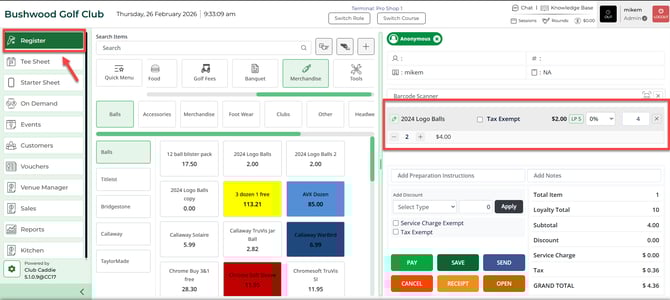
Step 1: After selecting the REGISTER module, select an item to add it to the register tab.
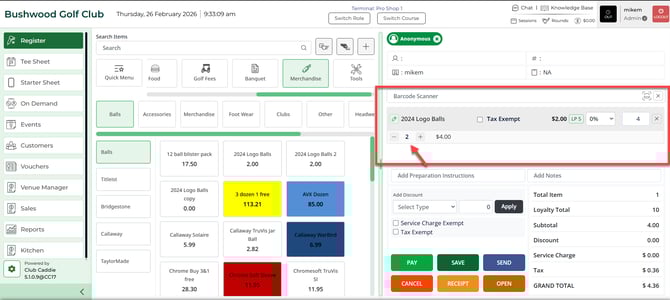
Step 2: Item quantities can be edited by clicking on the " +" or " -" button next to the item name in the register tab, or select the quantity number box and type in the correct quantity.