.png?width=200&height=89&name=CC%20%20fiserv.%20(3).png)

Step-by-Step:
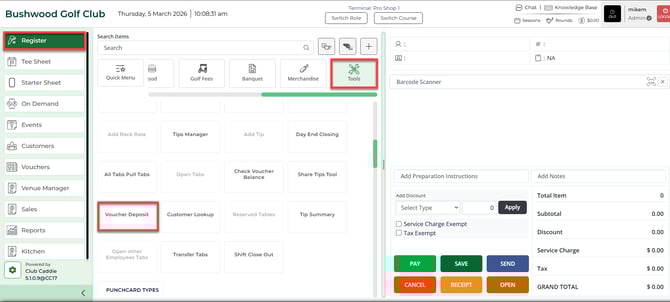
Step 1: Select the Register in the header tab, then select the Tools button, followed by Voucher Deposit.
Step 2: Enter the Voucher Number and click on Use. The system will display information about the voucher.
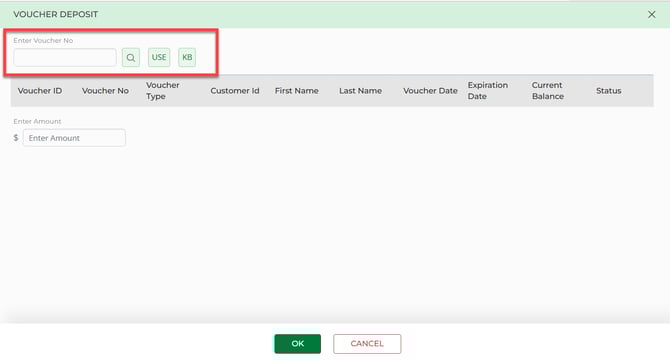
You can also search for a Voucher by using the magnifying glass icon.
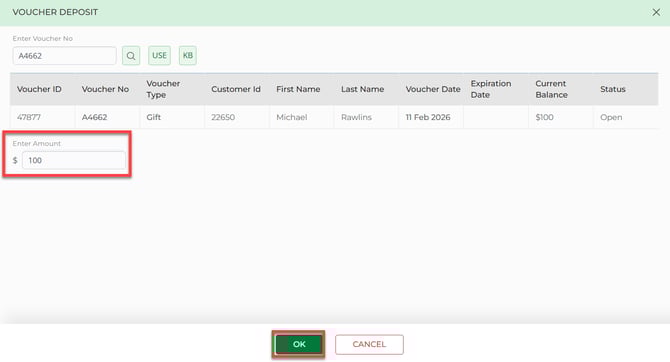
Step 3: Choose the voucher you wish to deposit from the list provided. Then, enter the Amount and click on OK.
Step 4: The system will then enter the transaction to the register. Click on Pay to proceed.
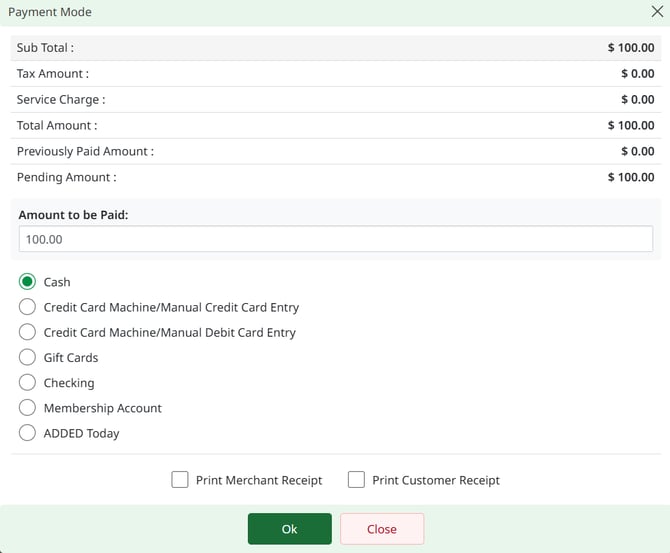
Step 5: Select your payment method and complete the transaction.
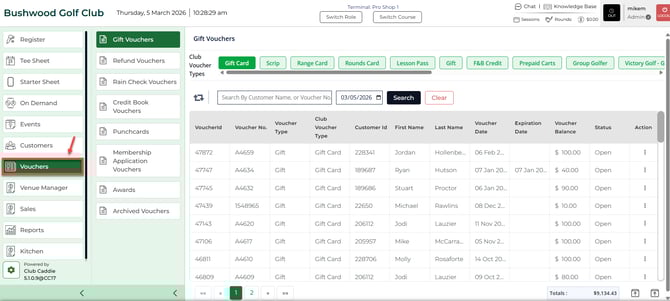
Step 6: You can view the deposited amount in the Voucher module.