.png?width=200&height=89&name=CC%20%20fiserv.%20(3).png)
Step by Step:
Step 1: Select Tee Sheet from the main menu.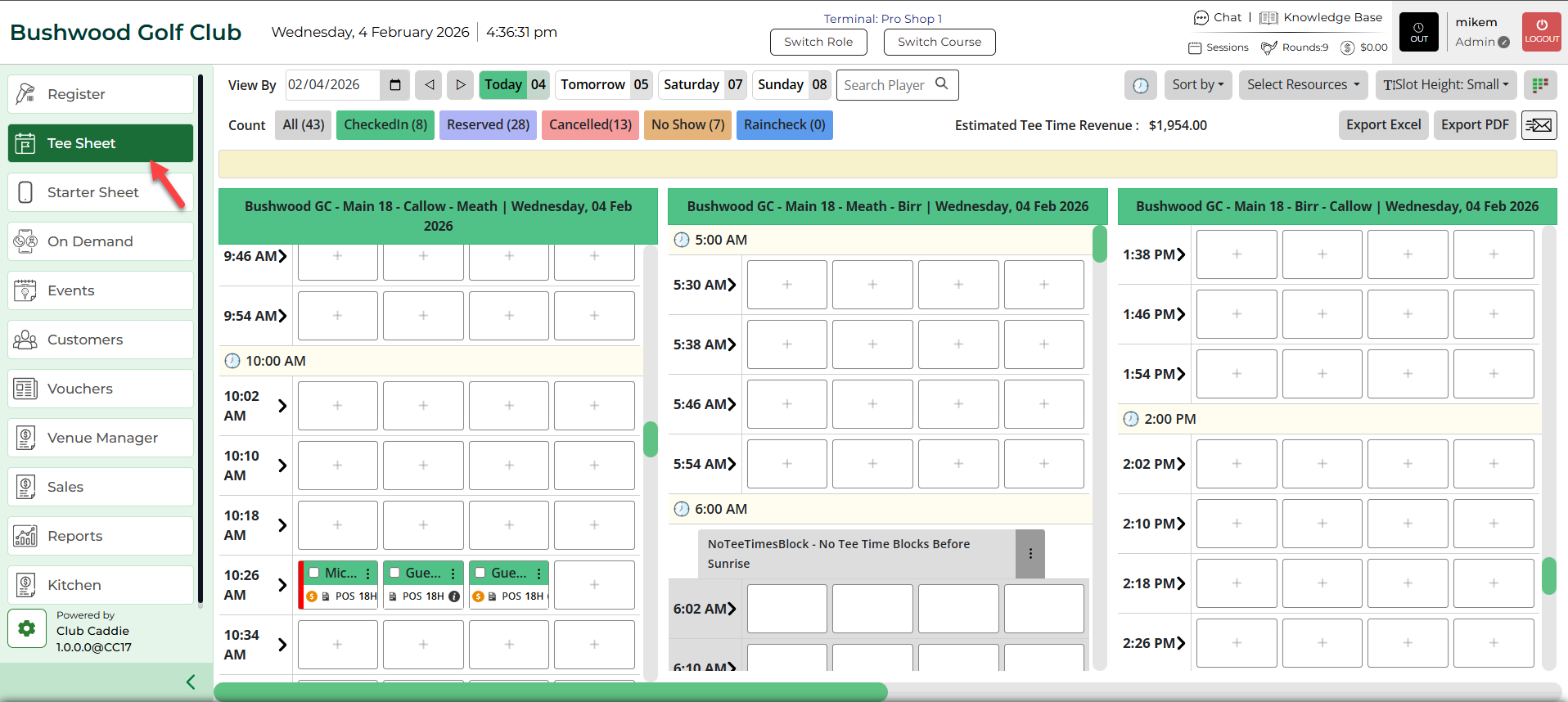
Step 2: Select the day and time you wish to book.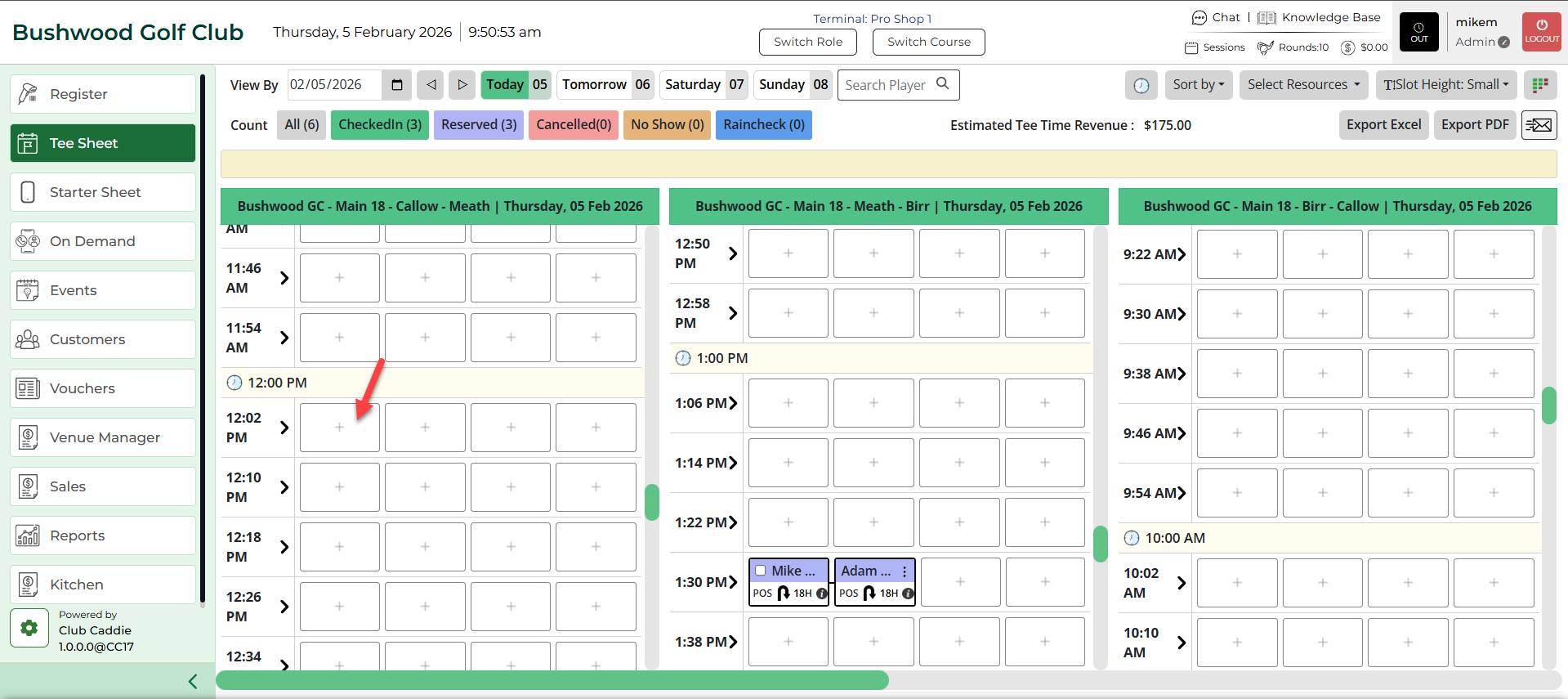
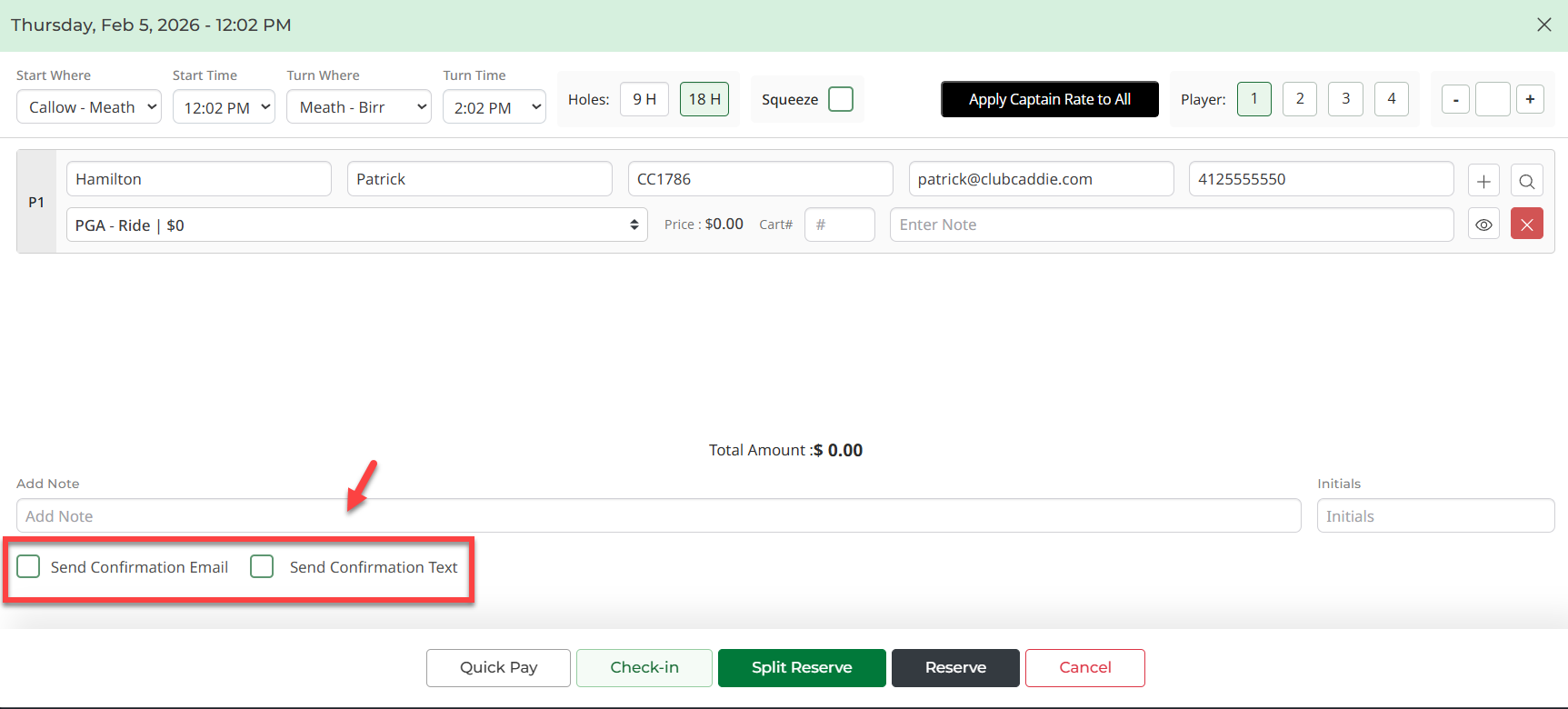
Step 3: Once you have entered the information for the tee time, there are two options on the bottom of the window - Send Confirmation Email and Send Confirmation Text. You may select both options, one option, or if you don't want a notification to be sent, leave both boxes blank. Once you click Reserve or Split Reserve, the tee time will be booked and the confirmation will be sent.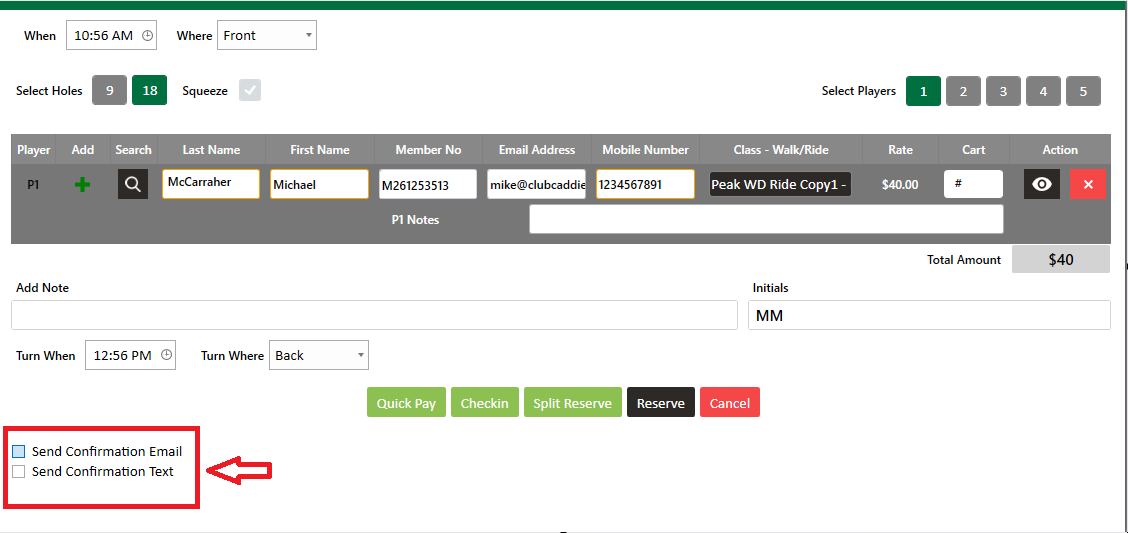
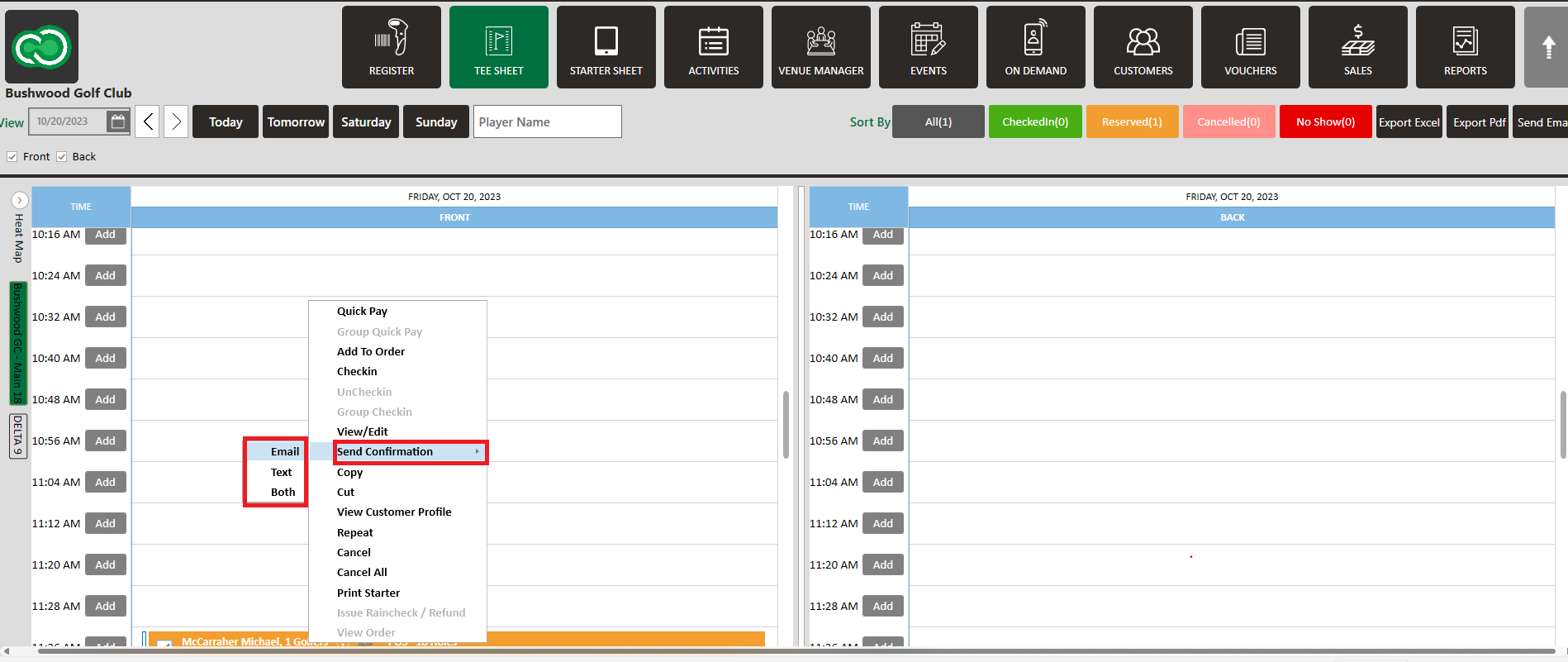
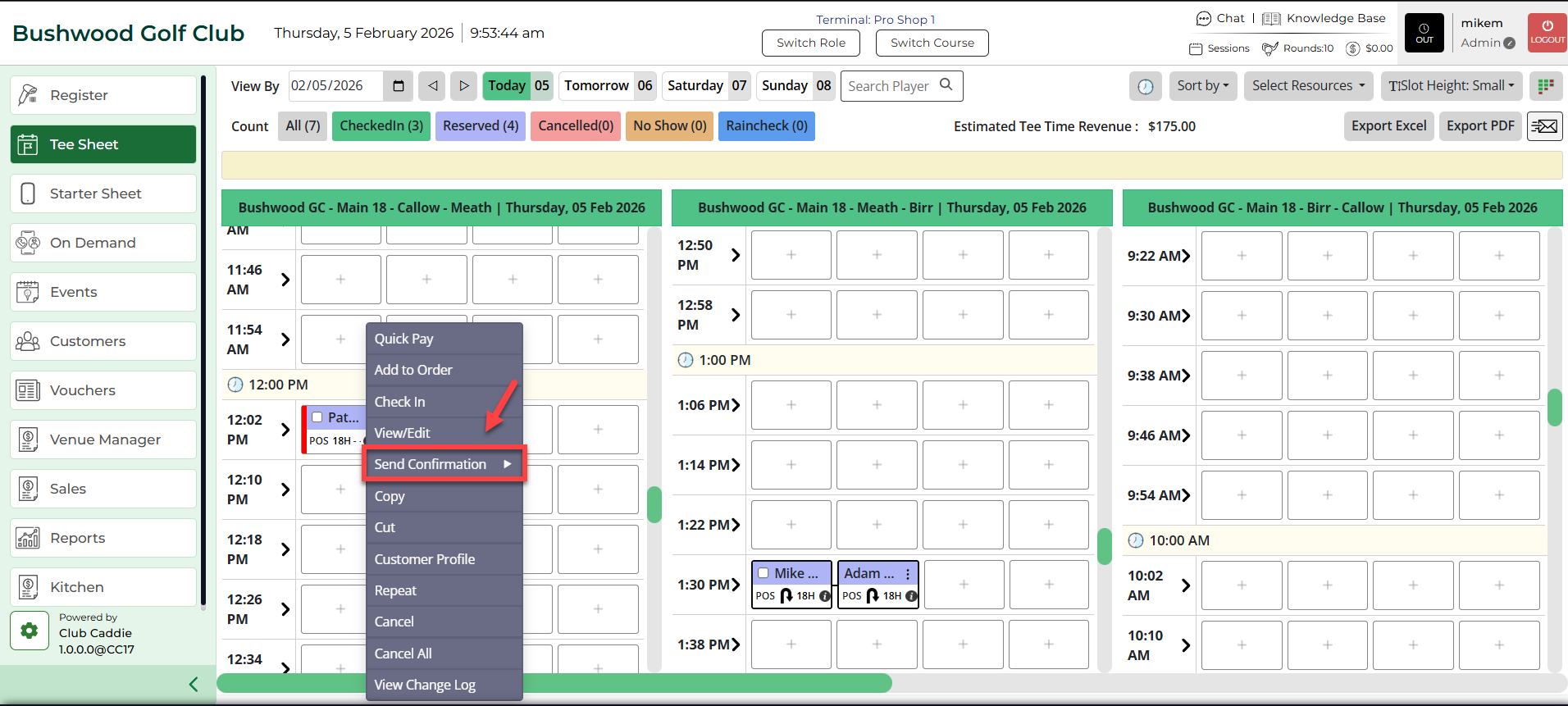
If you need to resend the confirmation, this can be done by right clicking on the reservation, Send Confirmation, and then select Email, Text, or Both.