.png?width=200&height=89&name=CC%20%20fiserv.%20(3).png)

You can adjust turn times and resources for 18 Holes only
Step by Step:
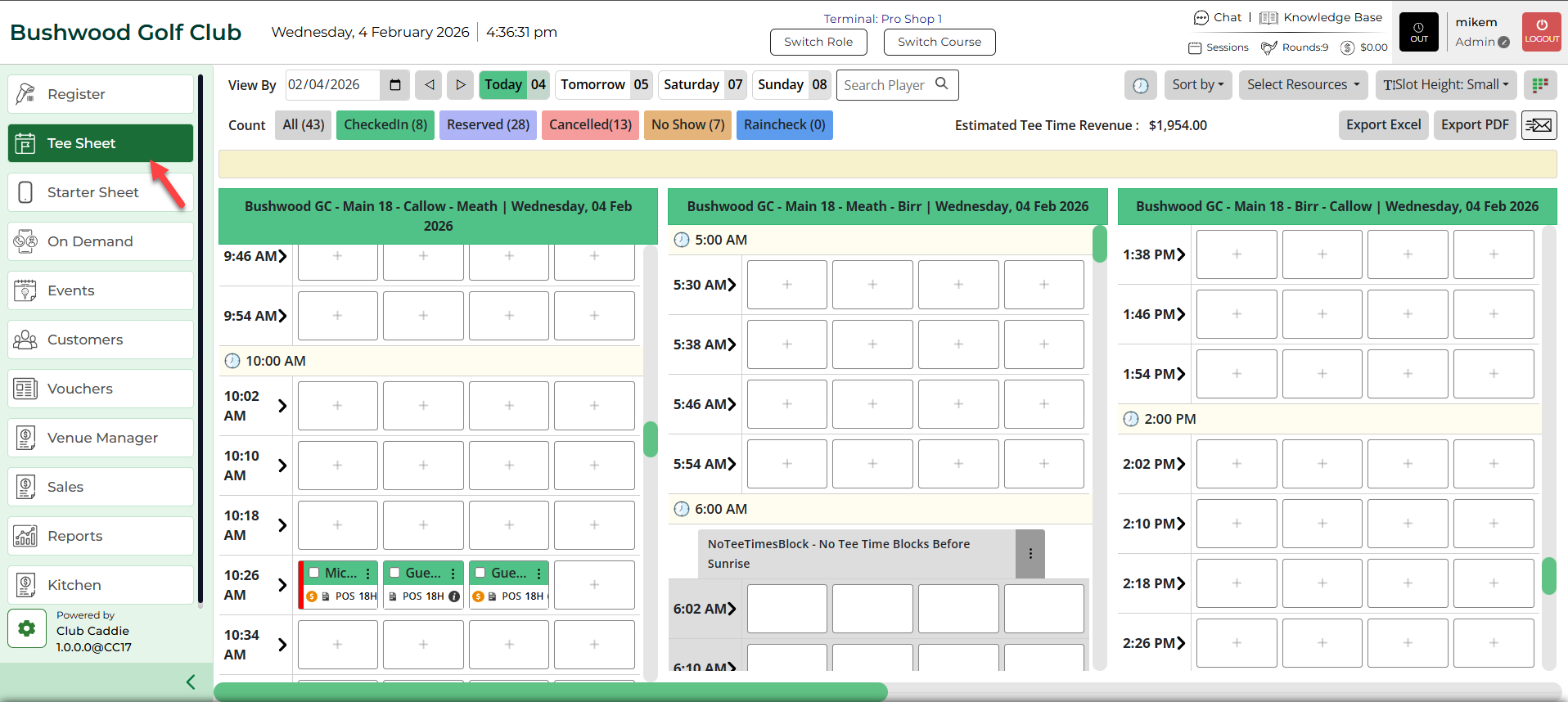
Step 2: Click Select Current Date if the reservation is for the same day or choose a date from the date picker to reserve a time for a particular date. Then, open a booking reservation.
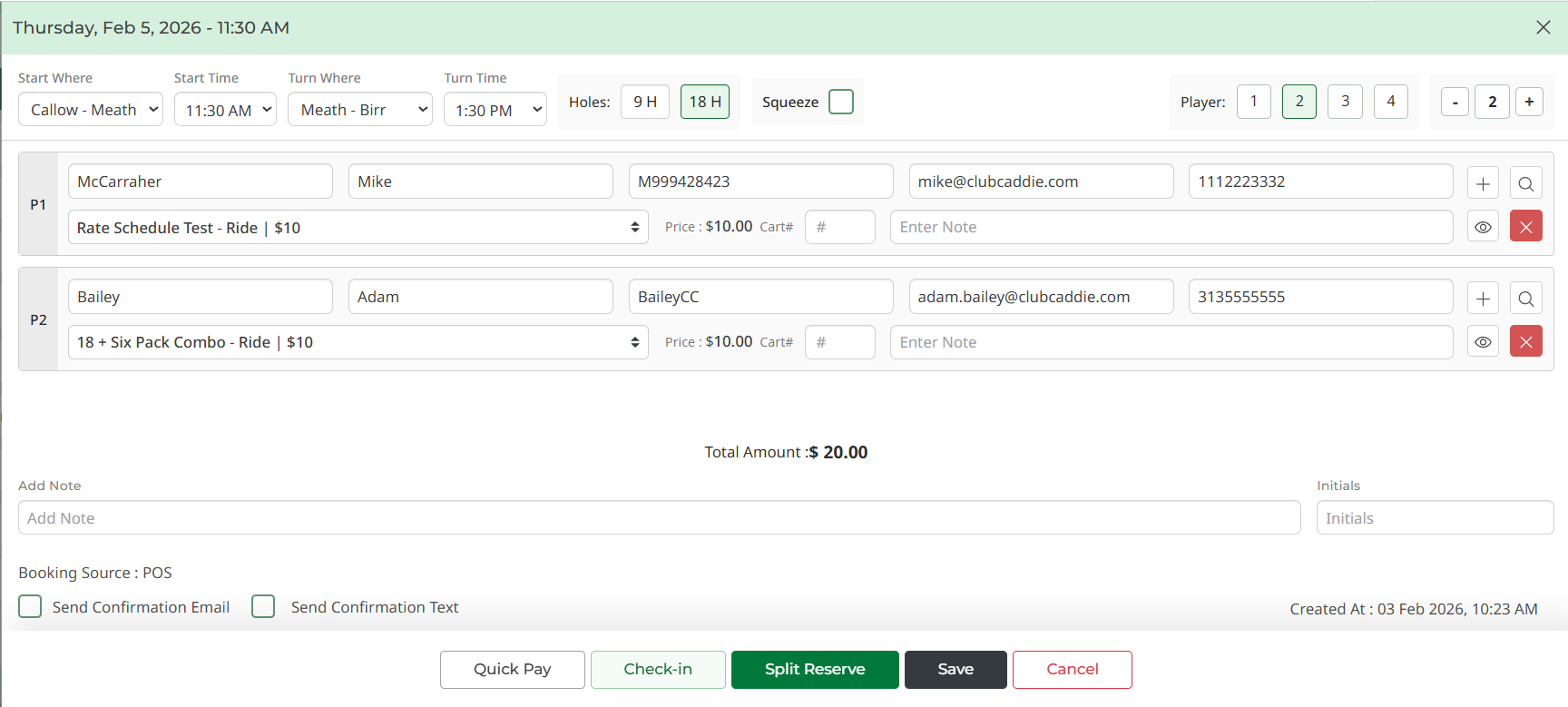
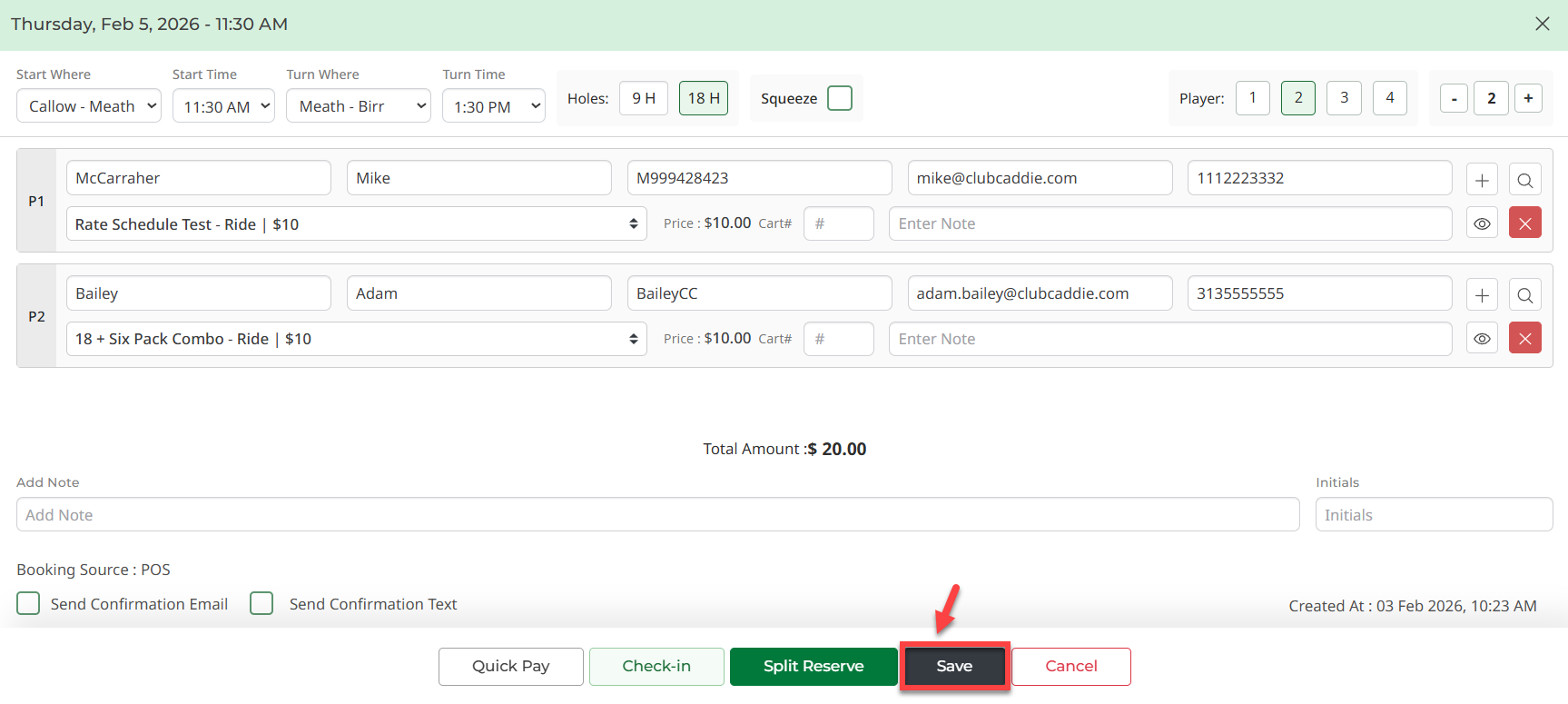
Step 3: With the booking details pop-up open, you will be able to edit the turn time, and the resource of Turn Where (which course).
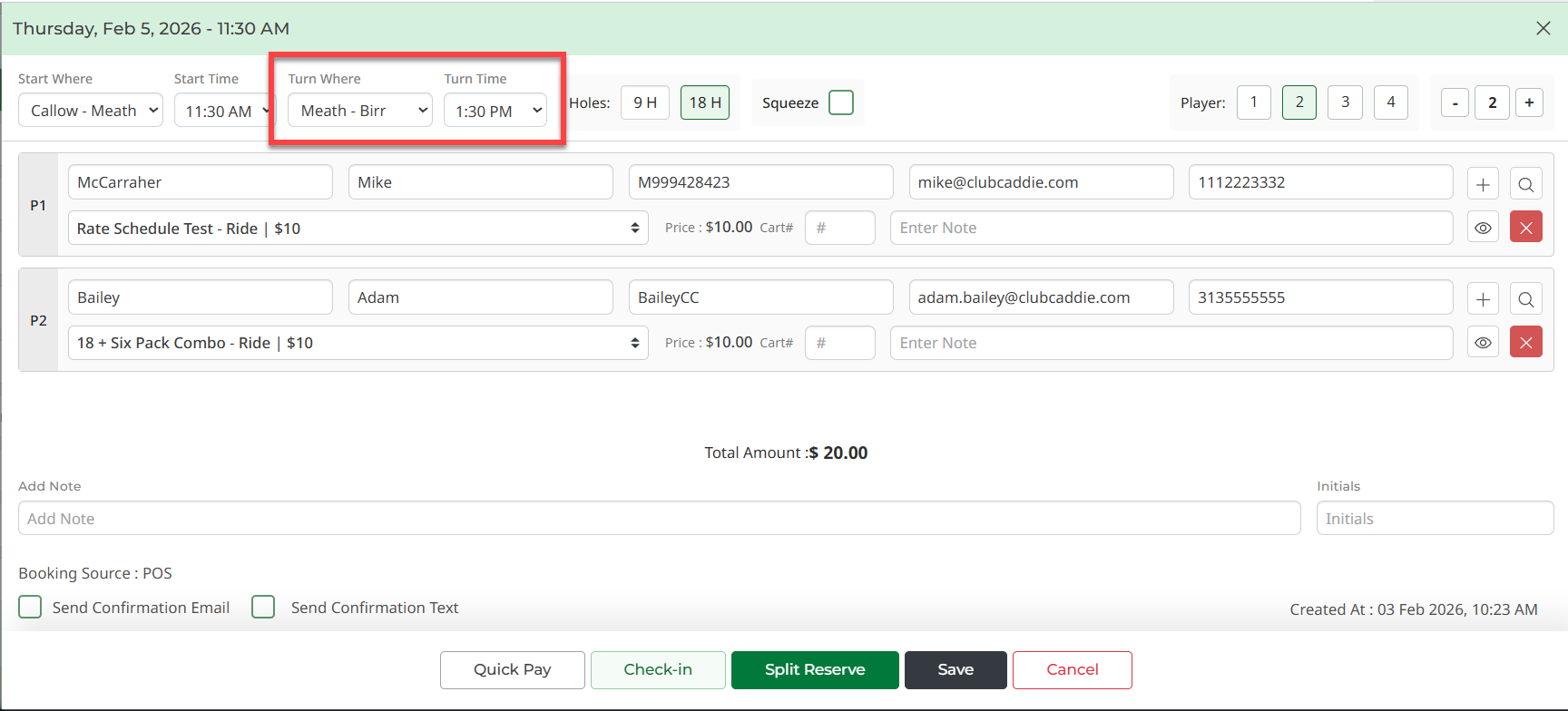
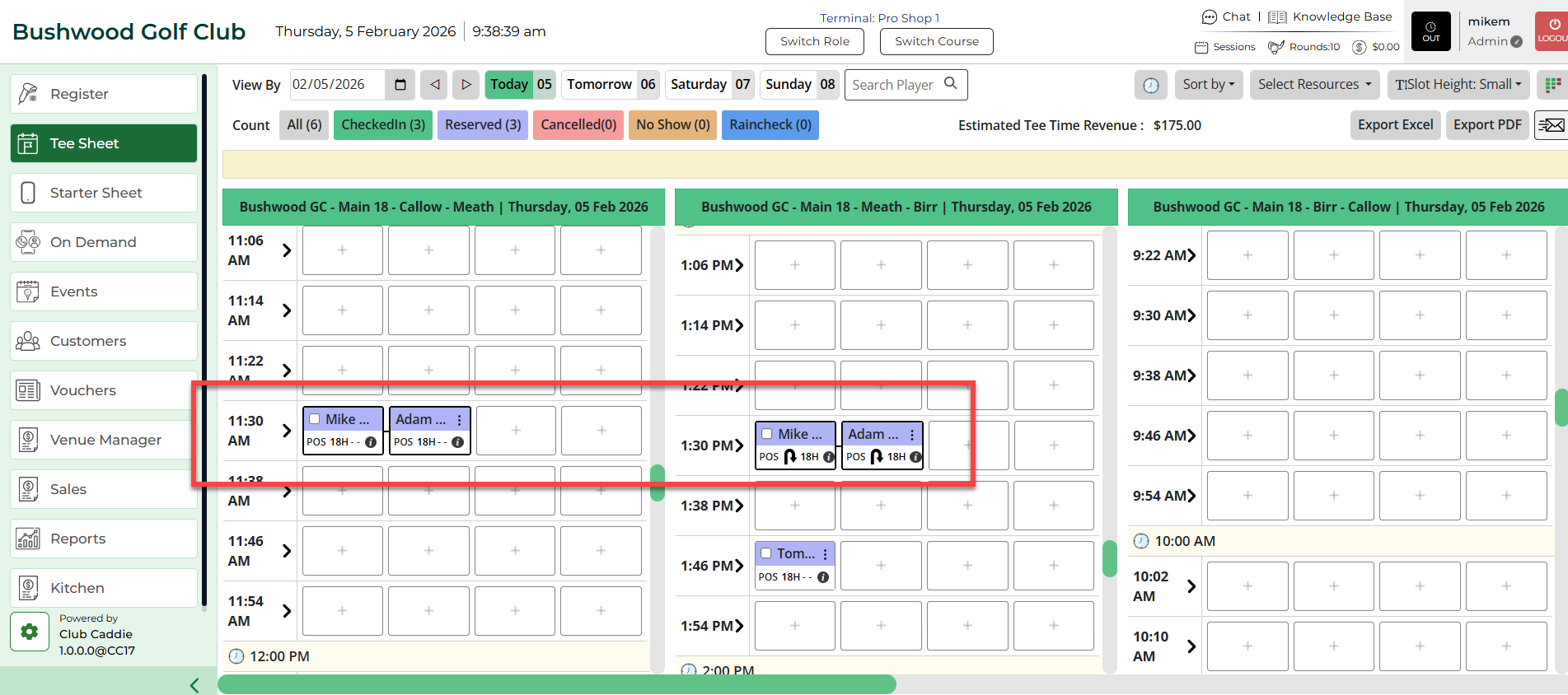
Step 4: Click Reserve/Save. A tee time and turn time will be reserved.
Step 4: Click Reserve/Save. A tee time and turn time will be reserved.