.png?width=200&height=89&name=CC%20%20fiserv.%20(3).png)
Step-By-Step:
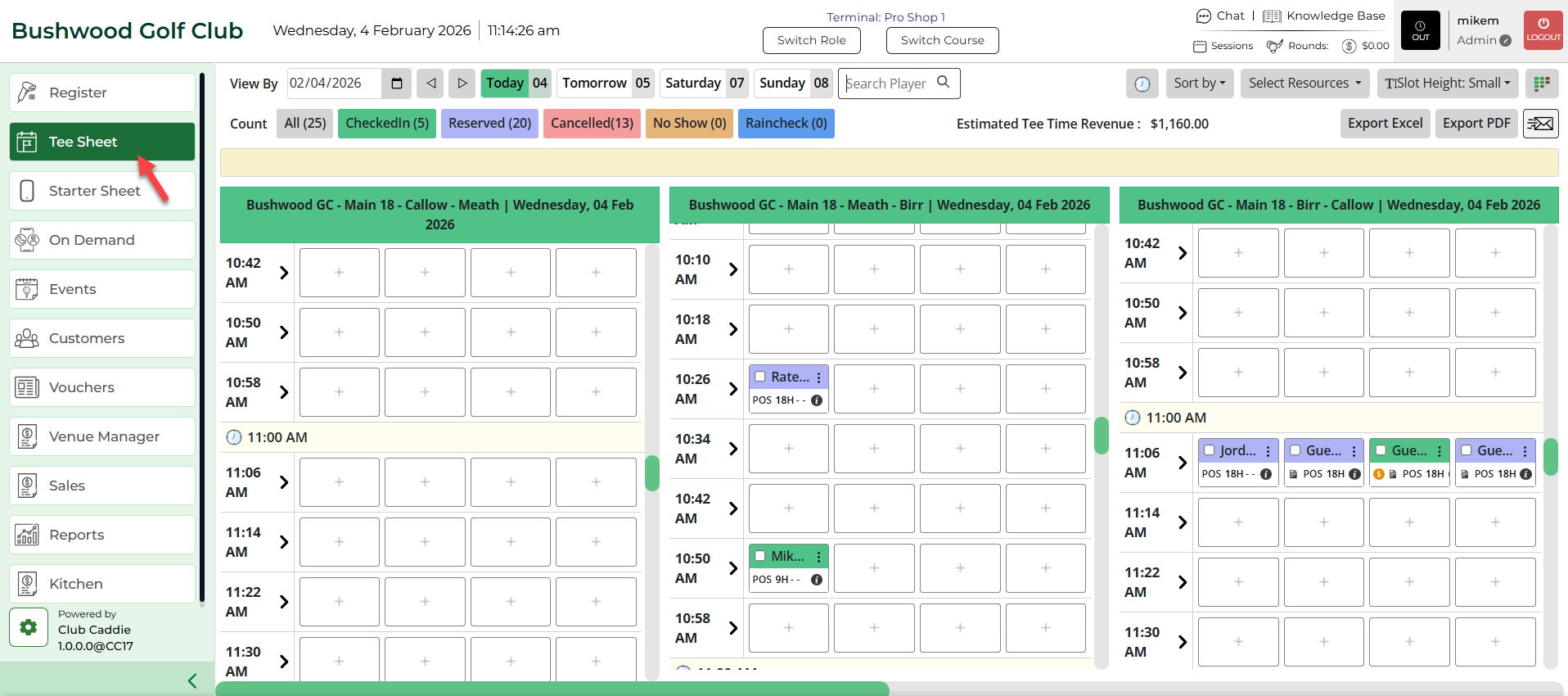
Step 1: Click on the TEE SHEET module.
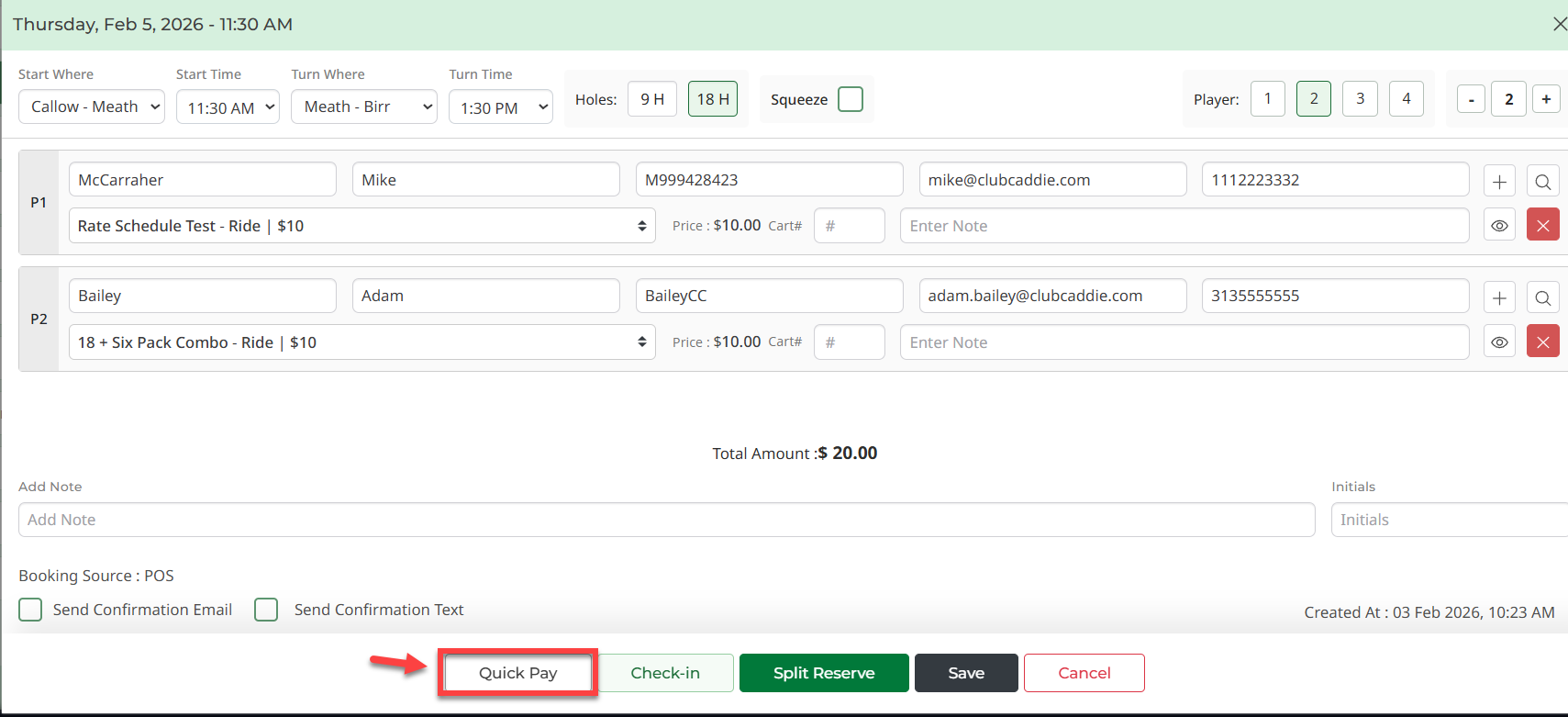
Step 2: With the booking details pop-up open, a number of different options are available. Select the number of Players. Fill in all the info, then click on the Quick Pay button.
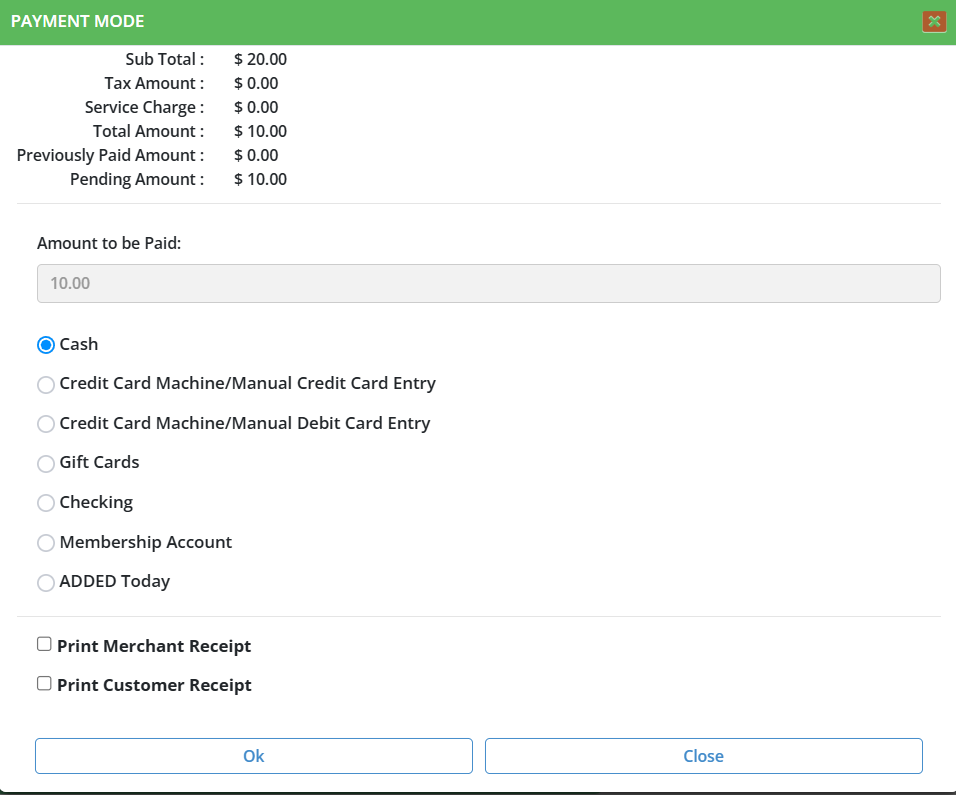
Step 3: The system will generate a new PAYMENT MODE window. Select the payment type then click on the Ok button.