.png?width=200&height=89&name=CC%20%20fiserv.%20(3).png)
Step-By-Step:
Step 1: Within the TEE SHEET select the appropriate tee time and search for and add the customer for whom the punch card is being redeemed.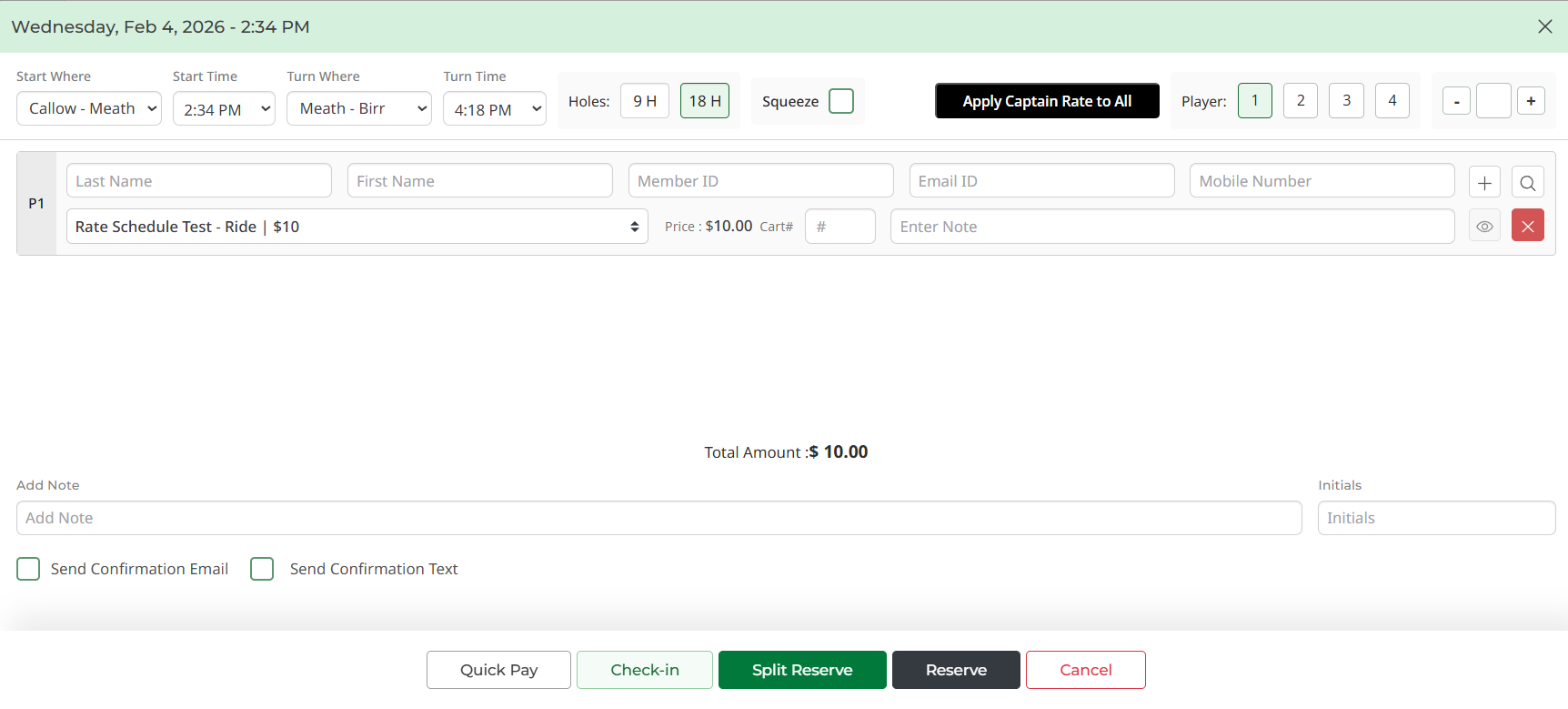
Step 2: Click on the rate dropdown box. This will open a pop-up window where the punch card rate can be chosen. Punch cards have an icon to the right of their entries to distinguish them. 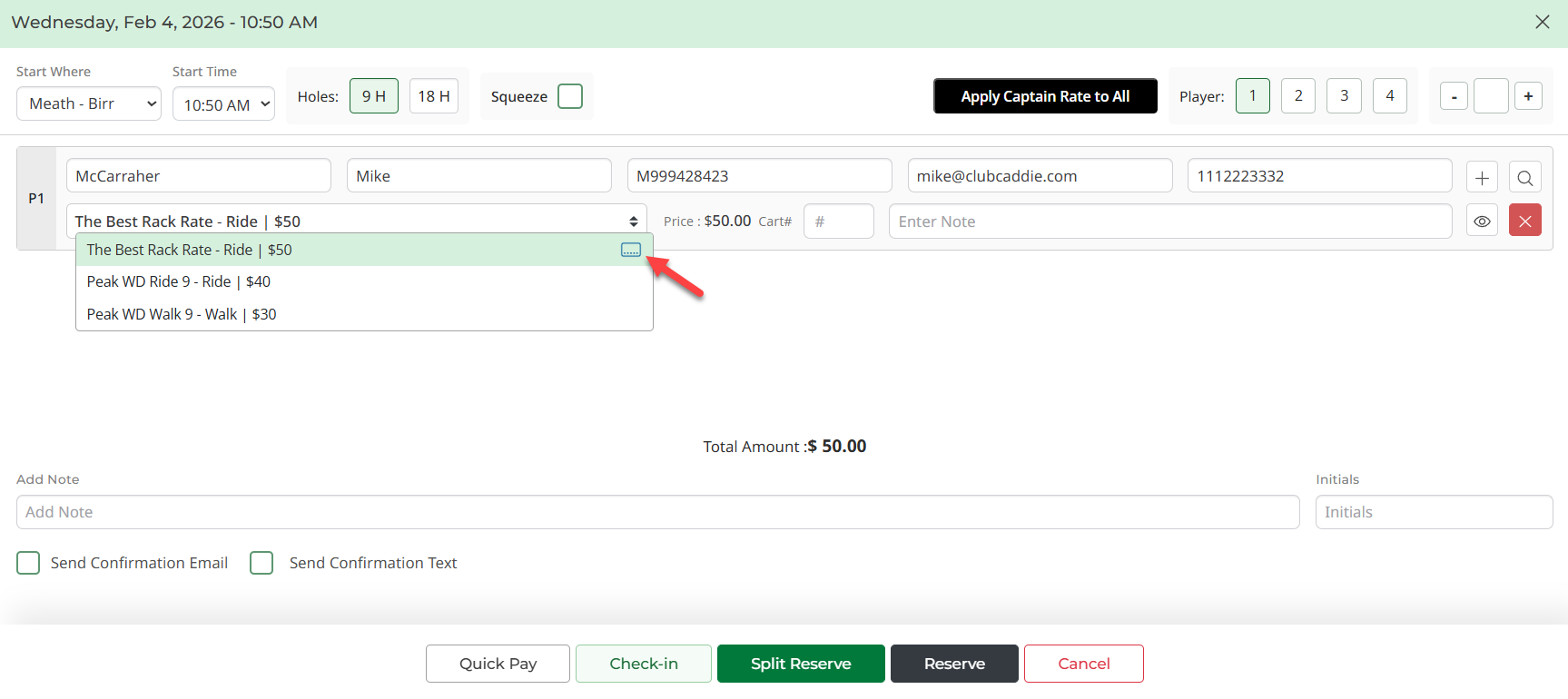
Proceed with normal check-in procedures.
Step 3: Note that when the register screen is reached, regardless of the associated rate attached to the punch card the 'Grand Total' of purchase will be $0.00. This amount is due to the rate being pre-paid via the punch card previously purchased. Proceed with the checkout process by clicking Pay.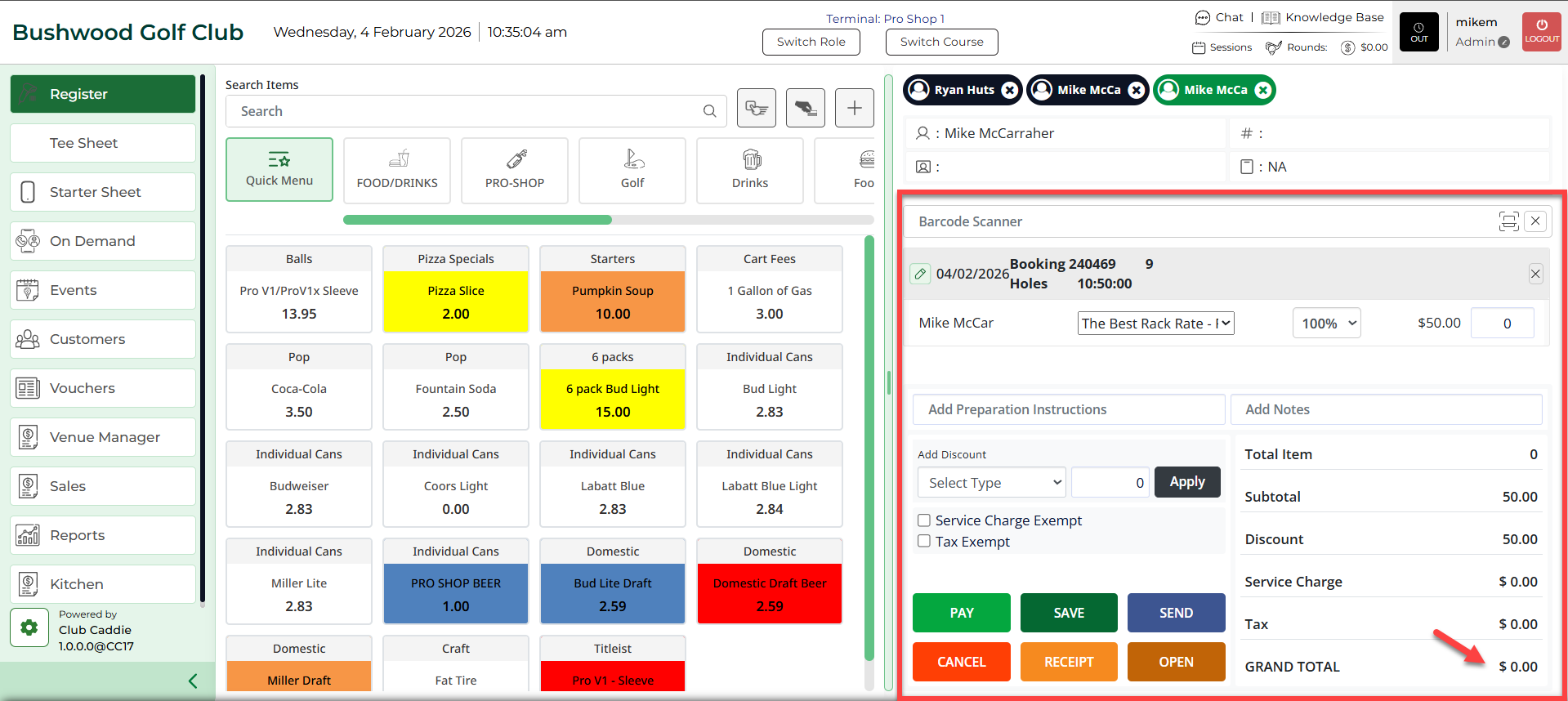
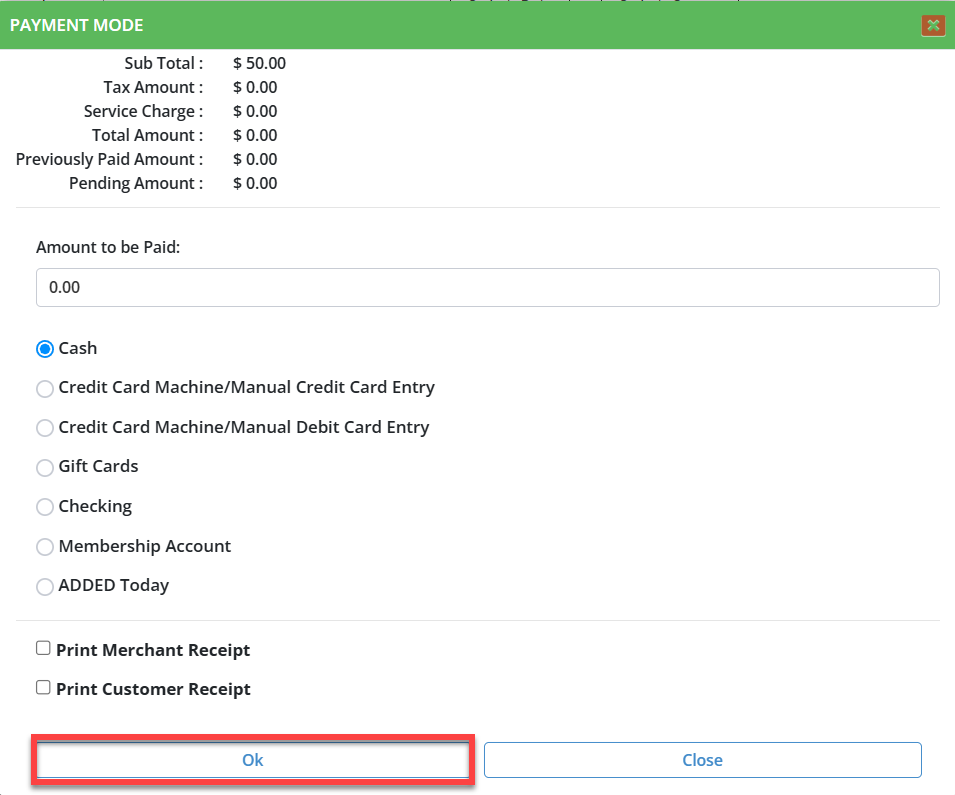
The system will open a PAYMENT MODE pop-up window. With Cash pre-selected, click Ok to process the order. Select Pay Exact Amount on the following screen. The system will generate a receipt which can be voided, printed, emailed, or saved to PDF.