.png?width=200&height=89&name=CC%20%20fiserv.%20(3).png)
You’ll need access to the iPad’s Bluetooth settings to pair the device.
Step-by-Step:
Step 1: Connect the charging cable to the Clover Go and plug it into a power outlet. Charge the device until the light indicator shows a full charge (usually 2–3 hours). When fully charged, the light should be solid.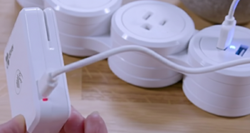
Step 2: Turn on the Clover Go by pressing and holding the power button until the device vibrates and the light turns on. The LED indicator shows the device’s status.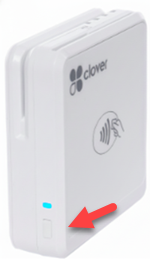
Step 3: On the iPad, open Settings, tap Bluetooth, and switch Bluetooth to On. Keep the Bluetooth screen open so the iPad can discover the device.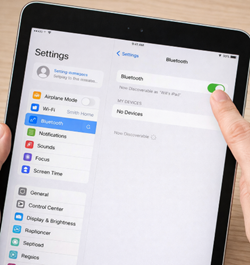
Step 4: In the F&B app, open any tab, tap Pay, then select Card External. When prompted to pair, find the 5- or 6-digit code printed on the back of the Clover Go and enter it in the F&B app to complete pairing. Once paired, the device should be recognized automatically for future transactions.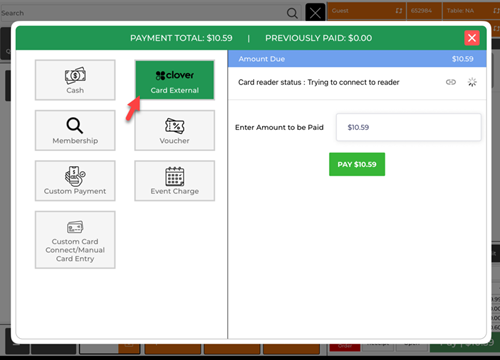
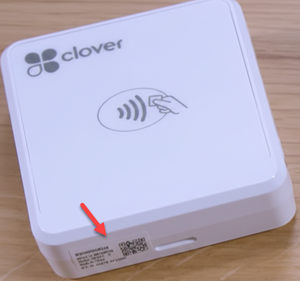
Run a quick test payment to confirm everything is working. Create a test tab, add a low-cost item, tap Pay, and select Card External. The Clover Go should activate and prompt you to tap, insert, or swipe (based on the device/payment type).
Purchasing Clover Go Devices
The F&B app uses Clover Go devices to accept credit and debit card payments. Clover Go is the only supported payment device for the F&B app.
How it works
-
Clover Go connects to your iPad via Bluetooth
-
Payments are processed through CardConnect (not the Clover platform)
-
You’ll need an active CardConnect Merchant ID (MID)
Where to purchase Clover Go
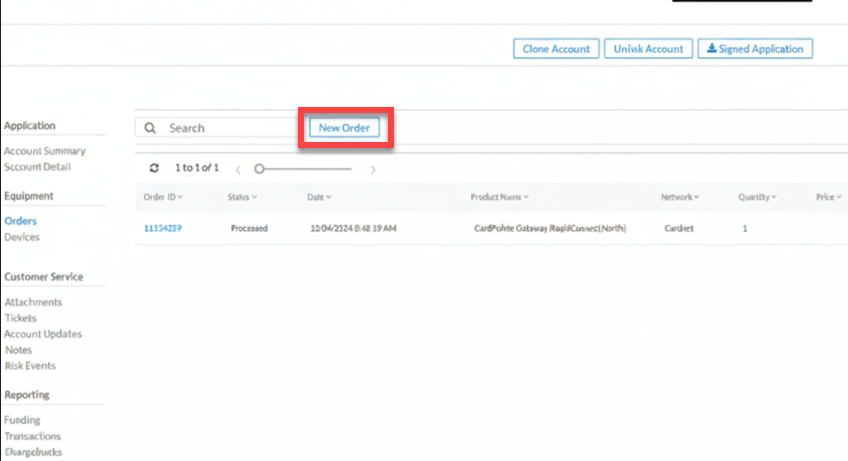
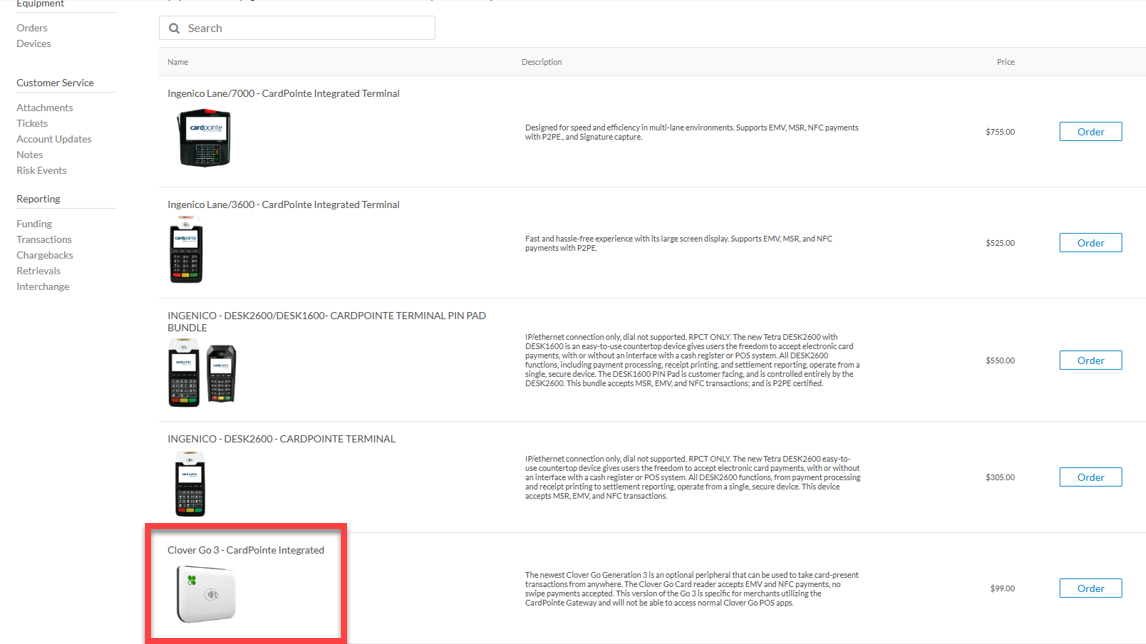
To buy Clover Go devices, place your order directly through your CardConnect portal:
-
Log in to your CardConnect dashboard (also called the CardPointe dashboard)
-
Go to the device purchasing / hardware section
-
Order Clover Go devices through the portal
Protective cases (recommended)
For added protection and easier use, Club Caddie recommends ArmorX cases, available in:
-
Stand-mounted configurations
-
Handheld configurations
The Clover Go reader snaps securely into the ArmorX case.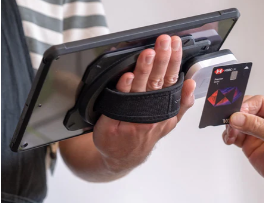
To purchase the Armor X case