.png?width=200&height=89&name=CC%20%20fiserv.%20(3).png)
Article Contents
This article covers the Sales by Department Report — how to filter it, what each column shows, and how to export it.
Step by Step
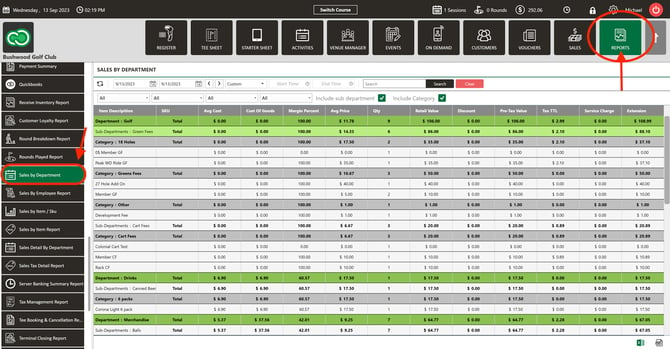
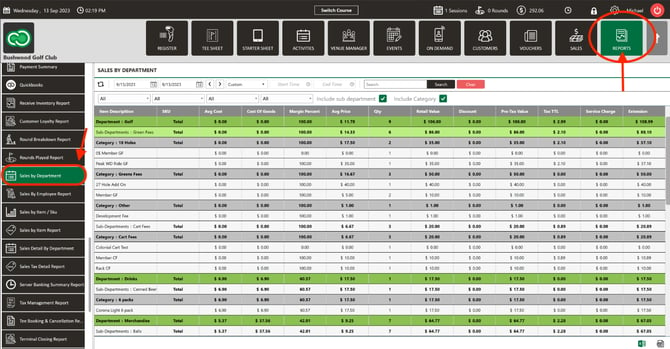
Step 1: Click on the Reports tab, then click Sales by Department on the left-hand side of the screen. This displays an overview of a particular terminal.
Step 2: Choose locations and terminals. Two filter dropdowns sit before the date picker — one reads All Locations, the other All Terminals until the selection changes. Each opens a checkbox list with an All entry at the top for selecting or clearing every option at once, and the dropdown text updates to show what's selected. The location selection controls which terminals appear in the terminal list. When the report first loads, the location for the terminal you're working on is selected, with all of that location's terminals included. With more than one terminal selected, the report shows a separate Sales by Department table for each terminal plus a consolidated totals section; with a single terminal selected, it displays that terminal's report as before.
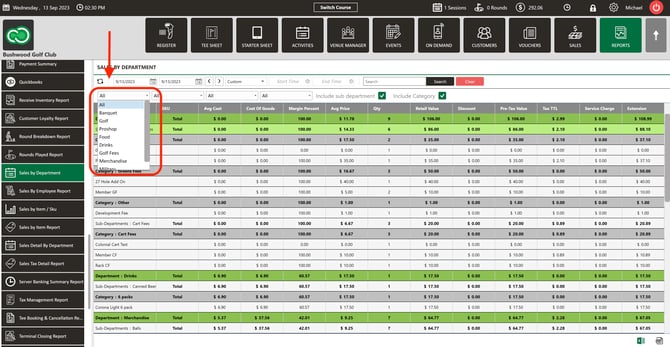
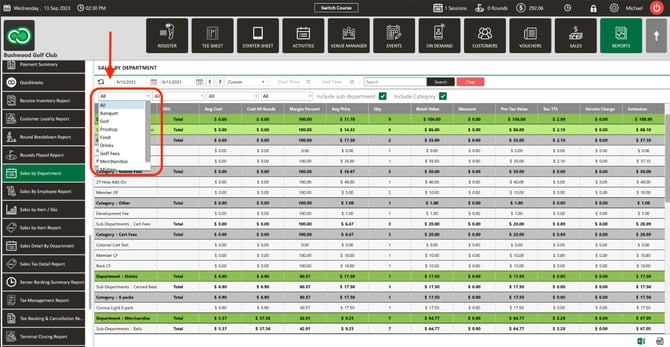
Step 3: Search. Locate items by entering a name in the search field and selecting Search, or select a department and then a sub-department from the drop-downs. All filters — including department, sub-department, and date range — apply across every terminal selected in Step 2.
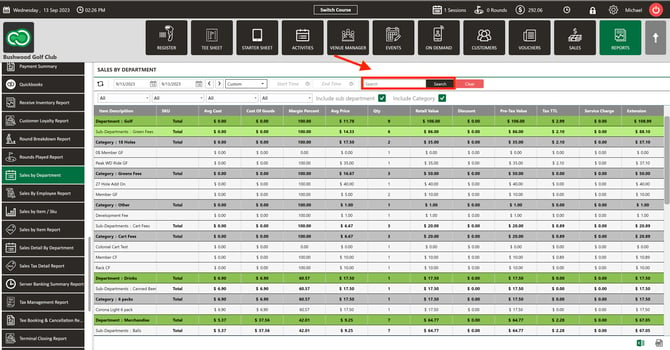
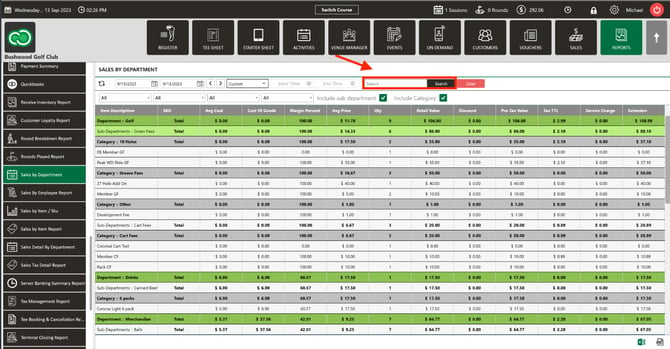
The report defaults to the current day. Weekly, monthly, and yearly options are available via buttons, or select from and till dates from the calendar drop-down and click Search for a custom range.
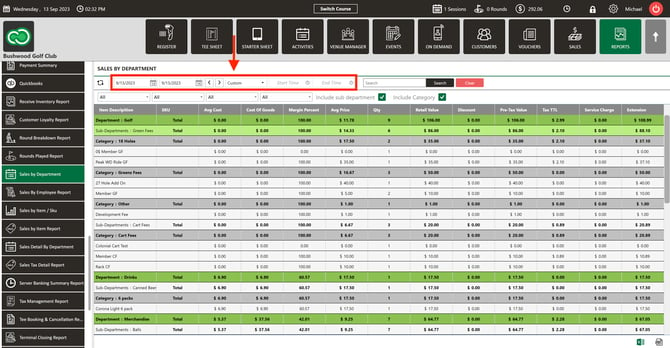
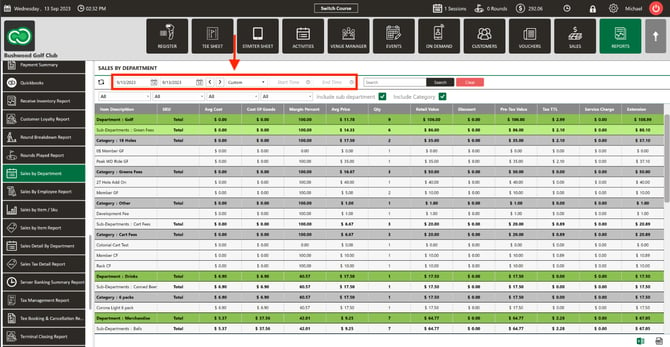
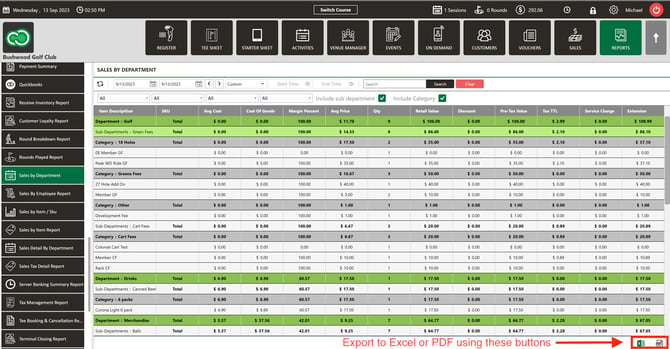
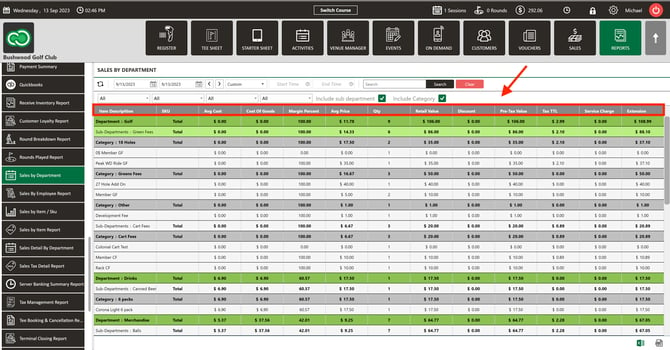
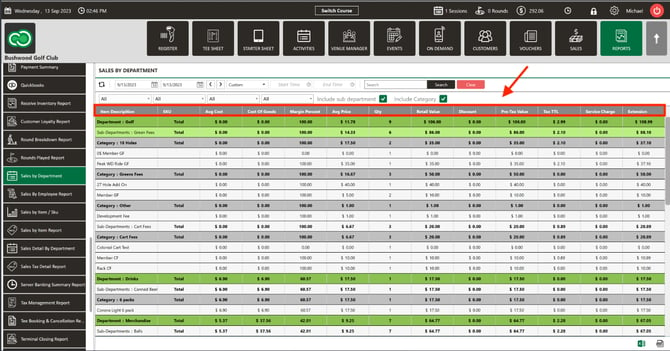
Step 4: Review results. Results are color-coded and organized by department, sub-department, and item. The display includes: department name, item description, SKU, Average Cost, Cost of Goods, Margin Percent, Average Price, Quantity, Retail Value, Discount, Pre-Tax Value, Tax Total, Service Charge, and Extension.
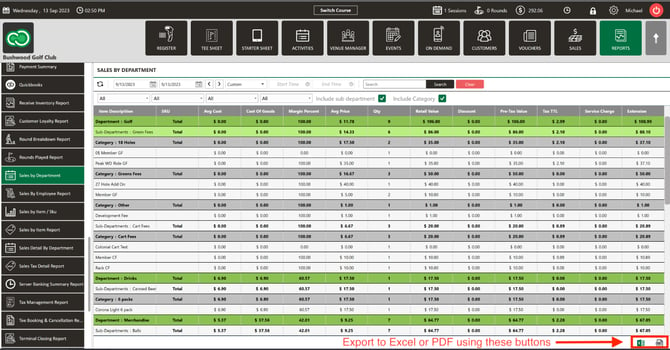
Step 5: Export. Export the report to Excel using the Excel button, or to PDF using the PDF button, in the top-right corner of the screen.