.png?width=200&height=89&name=CC%20%20fiserv.%20(3).png)
Step By Step:
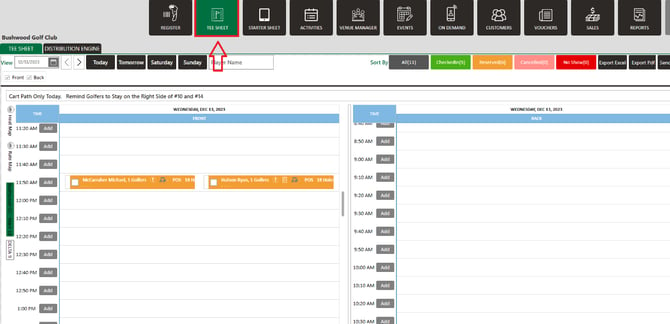
Step 1: Click on the Tee Sheet tab.
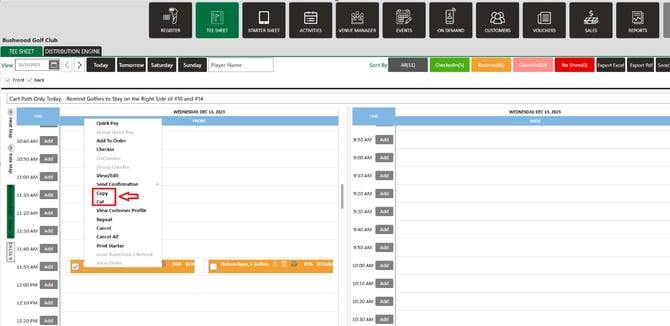
Step 2: Next, right-click on tee time booking that you want to cut/copy-paste and select your option.
Step 3:Then paste it by right clicking on the tee time you wish to book and select Paste. You can see the same booking will be present there.
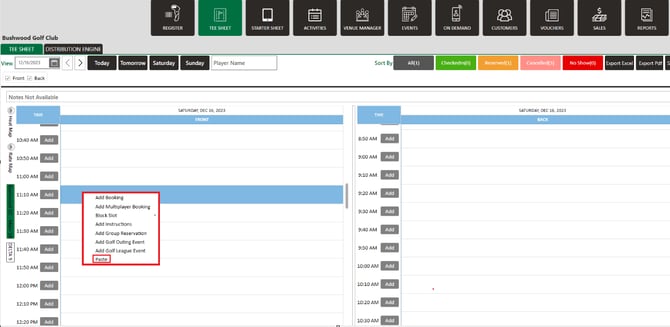
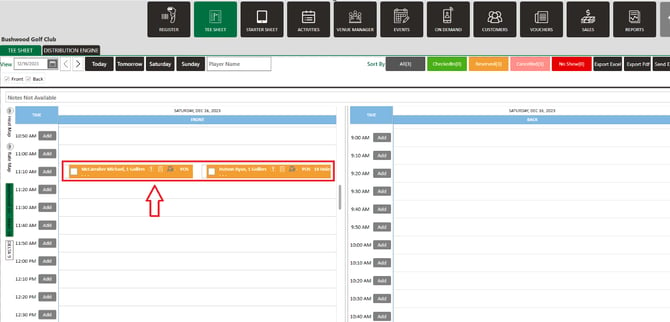
You are also able cut a tee time from one course and paste it to a different course in a multi-course operation. When pasting to a new course, the booking popup opens automatically so staff can confirm or adjust the rate before saving.
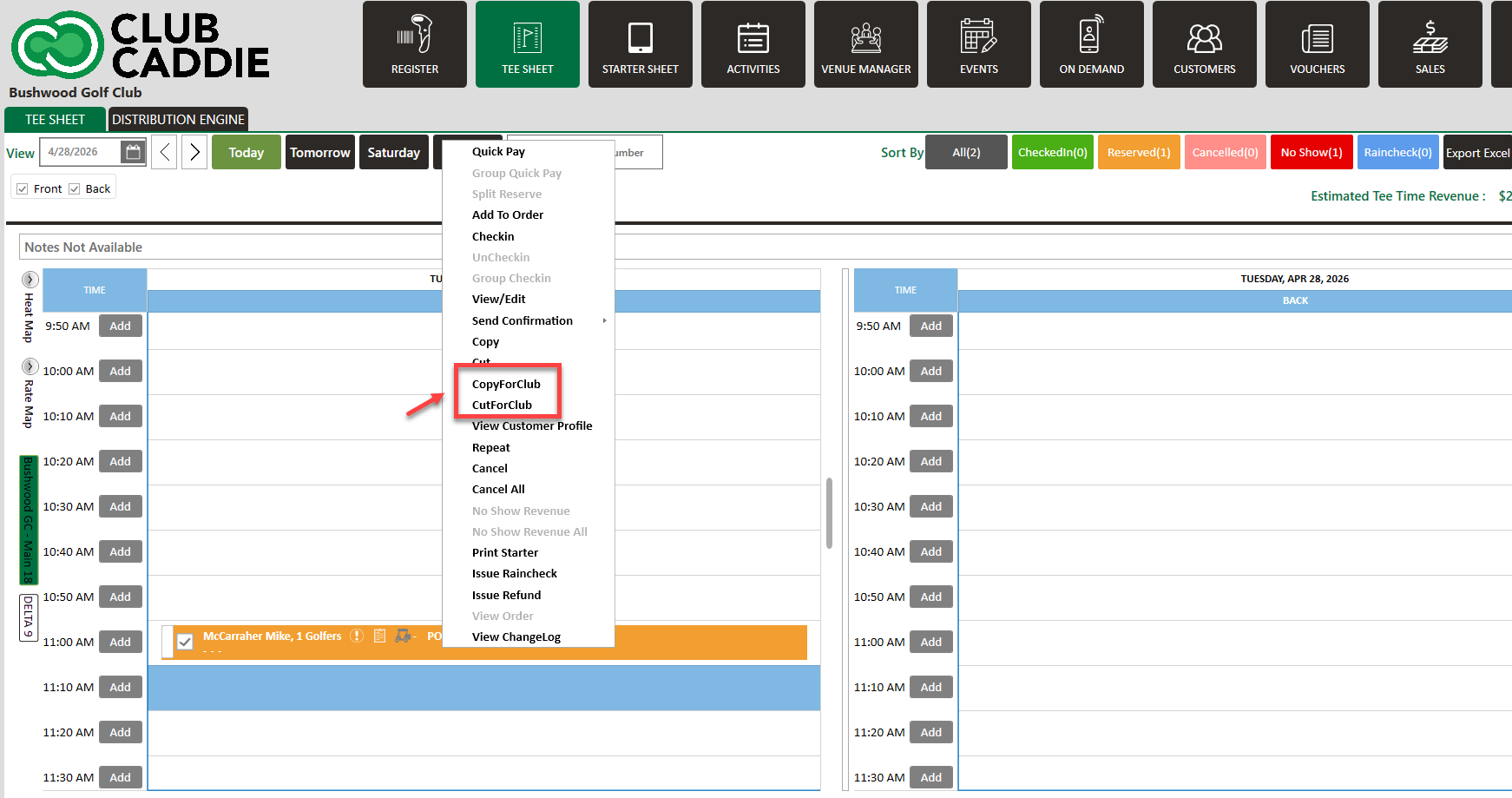
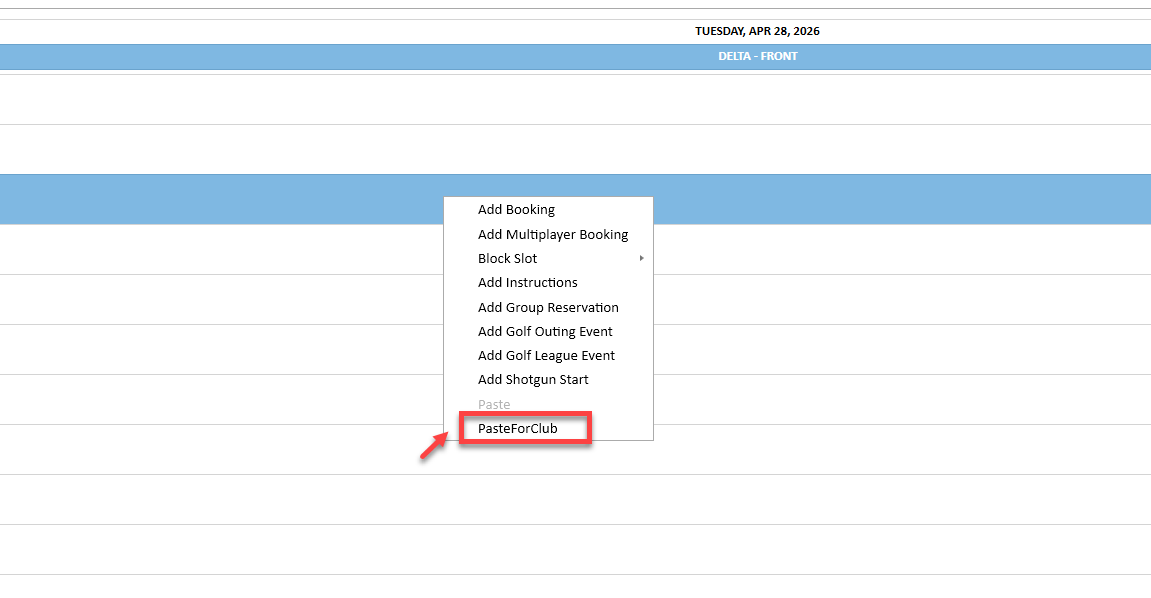
Step 4: To copy/cut and paste to a separate course, you will need to select CopyForClub or CutForClub. Then navigate to your other course, right click on the time slot and select PasteForClub.