.png?width=200&height=89&name=CC%20%20fiserv.%20(3).png)
Step by Step:
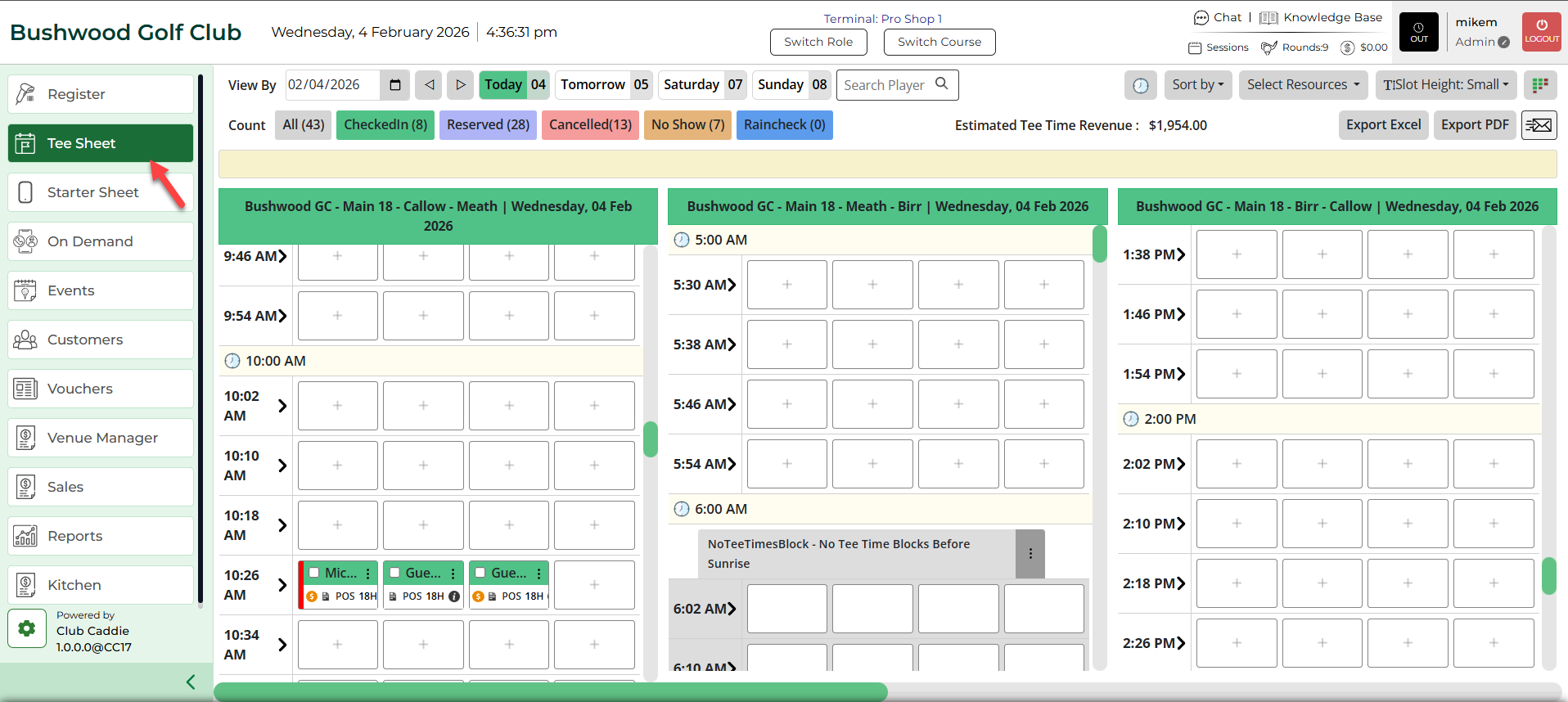
Step 1: Click on the TEE SHEET module from the main menu.
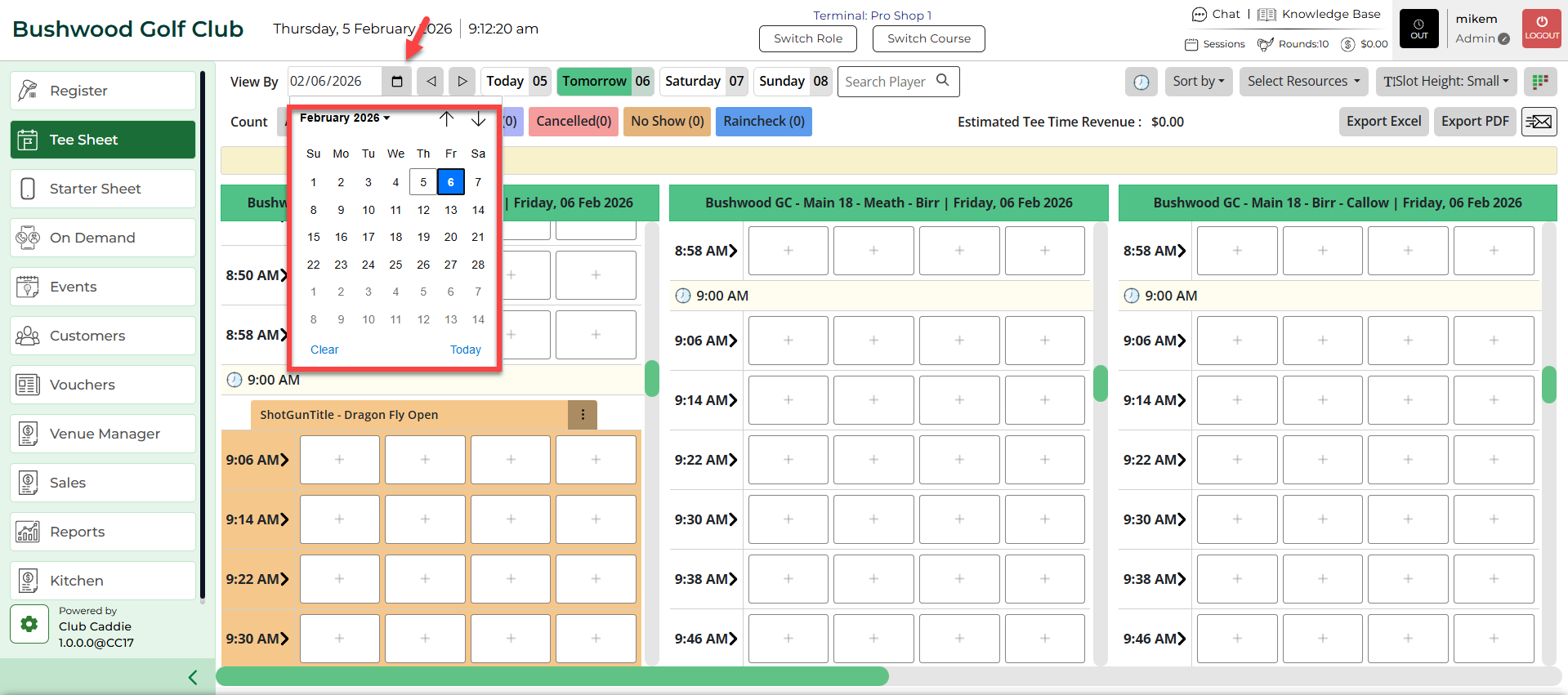
Step 2: Click on the calendar icon. Select the date from the calendar. The system will filter tee times to the selected date.
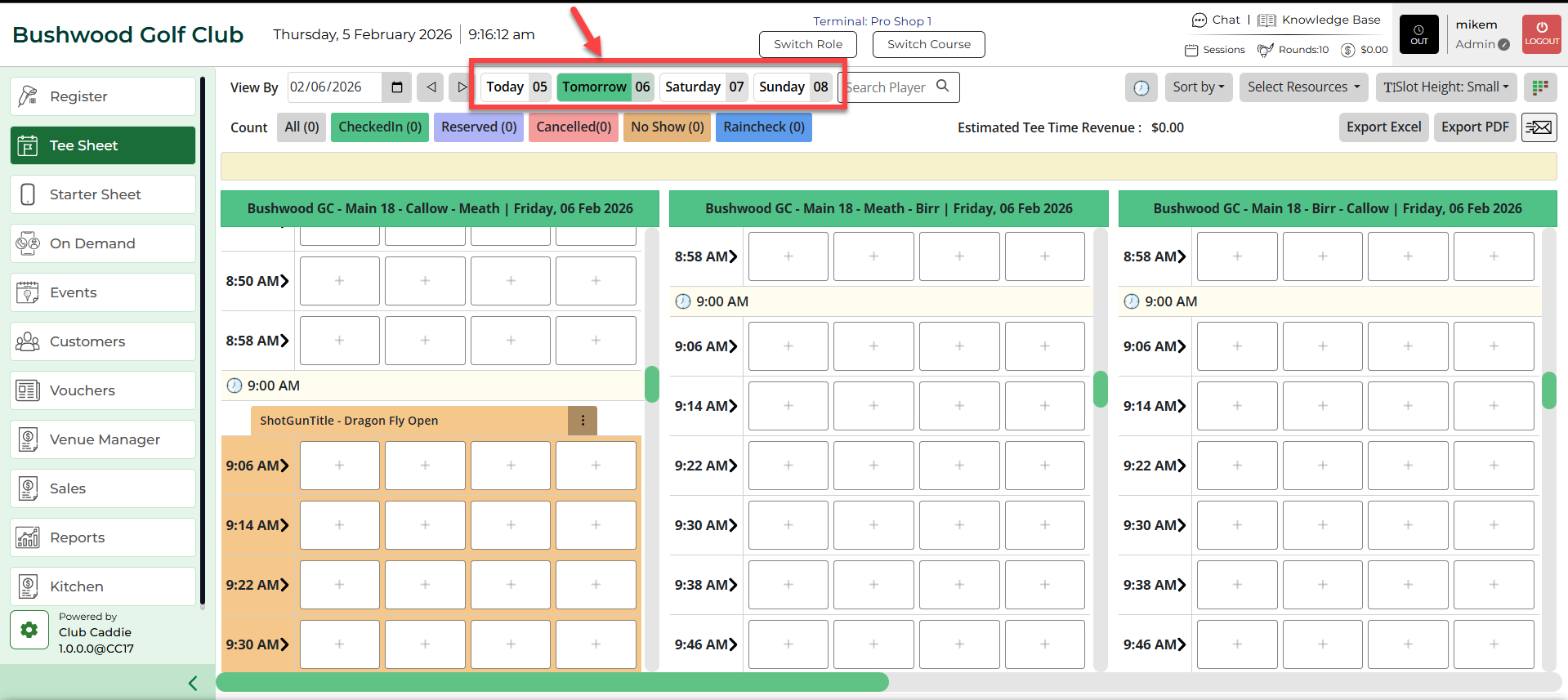
Step 3: Next to the Calendar Icon, tee times can be filtered by upcoming days - Today, Tomorrow, Saturday, and Sunday.